Updated: 10 November 2026
What you can check
- Look for breaks, kinks or heat on the adapter cable.
- Try another adapter of the same model if you can.
- Check the charging port for looseness.
- See if Windows shows 'plugged in, not charging'.
Battery or motherboard?
- Runs on the adapter but the battery won't fill: usually a worn-out battery.
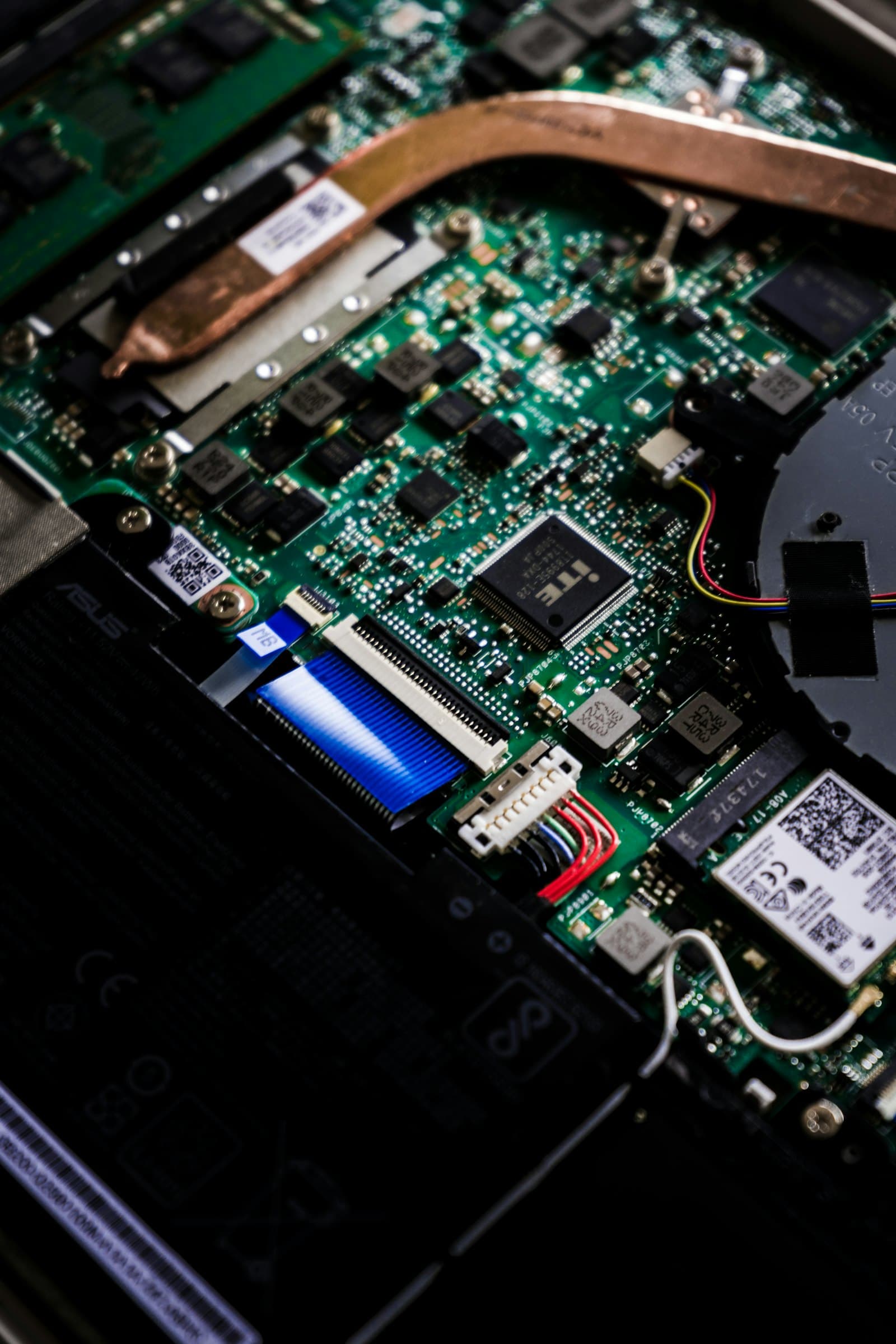
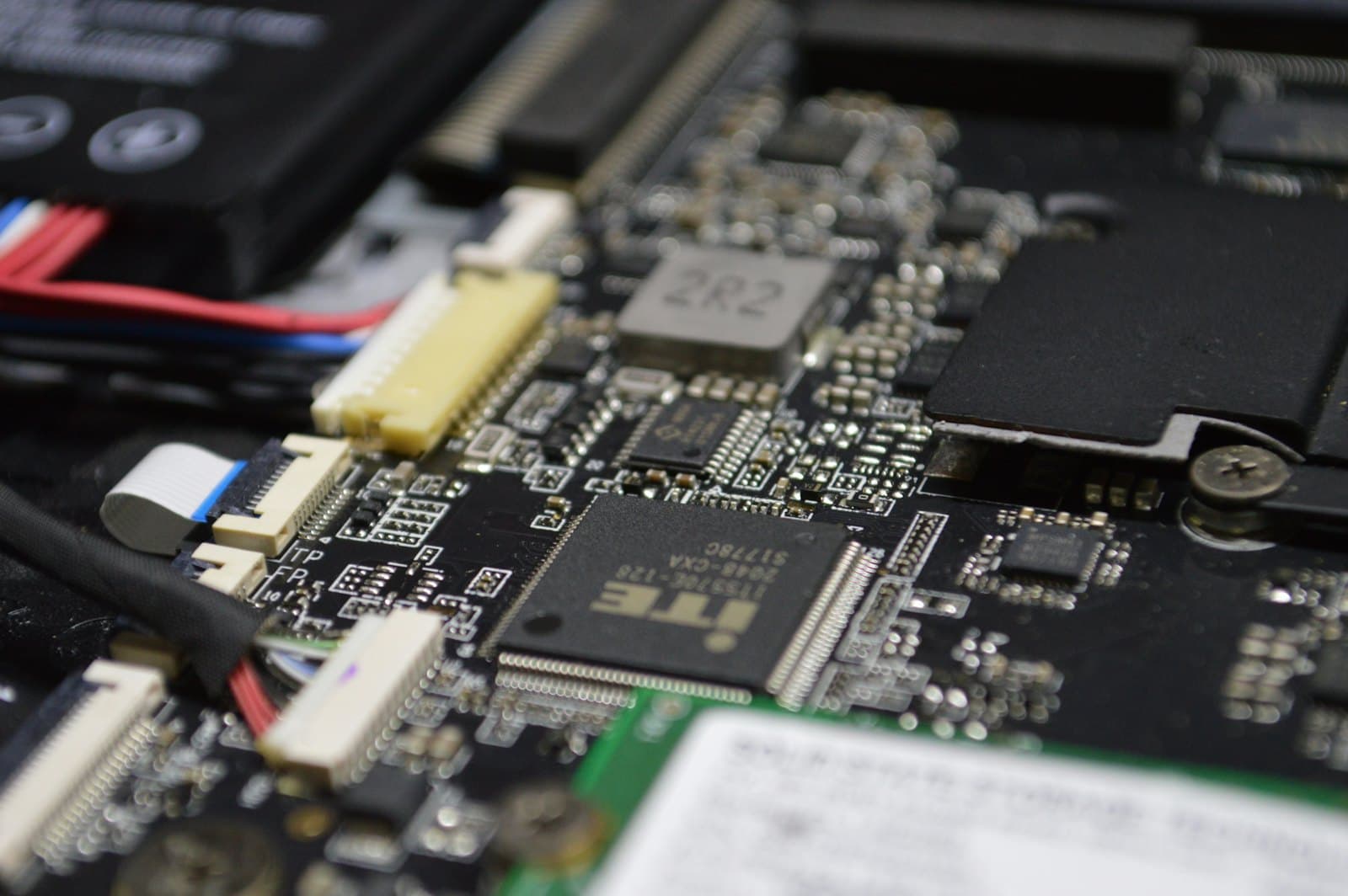
- Won't start even on the adapter: the charging port or power circuit on the board.
- Never keep using a swollen battery — it's a safety risk.
When to bring it in
Diagnosis shows whether it's the adapter, battery, port or board, so only the faulty part gets replaced.