Updated: 10 November 2026
Most common causes
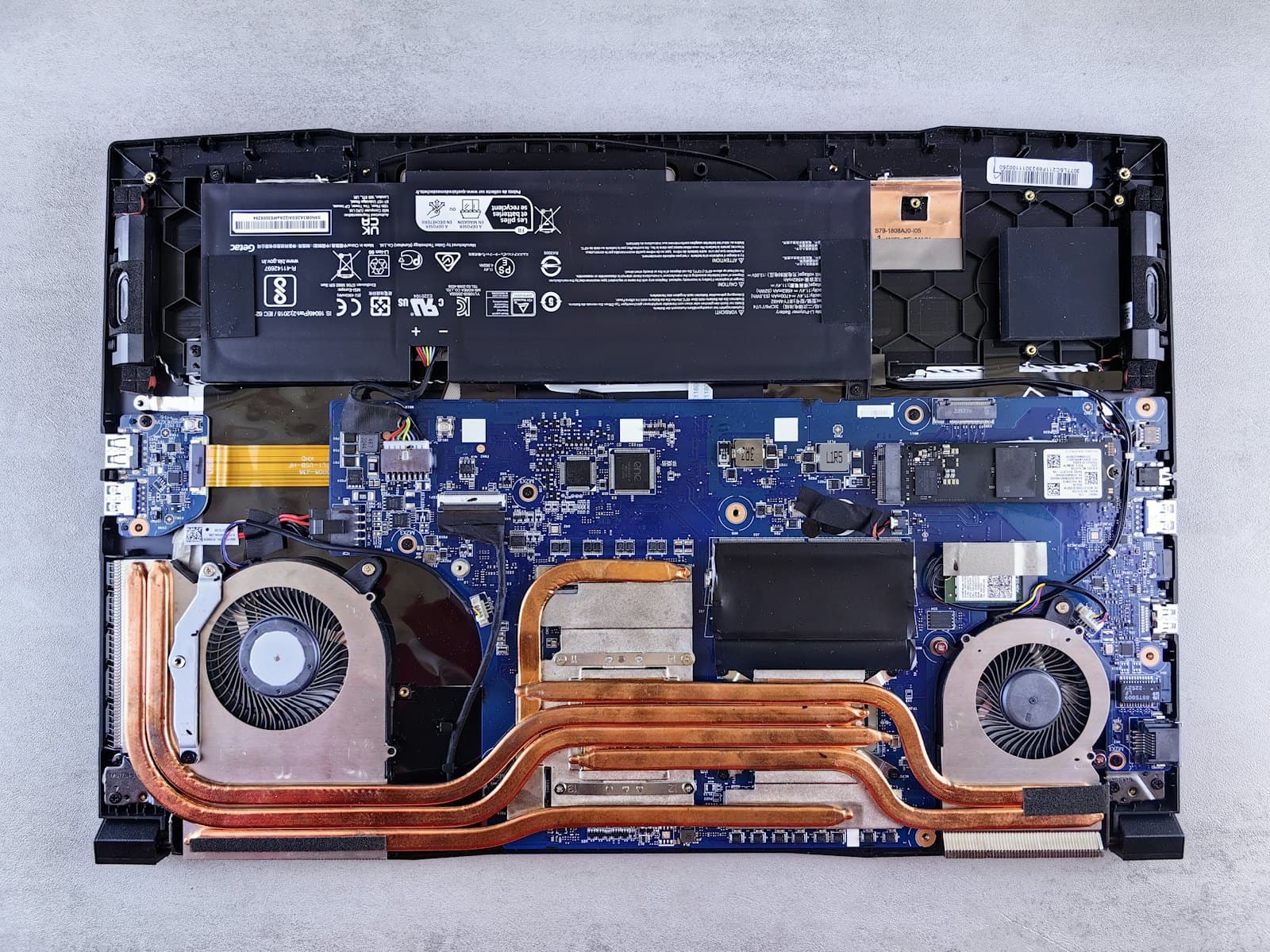
- Dust in the fan and heatsink fins reduces airflow.
- Thermal paste on the CPU and GPU dries out and stops conducting heat well.
- Using the laptop on soft surfaces blocks the air intakes.
- Background programs keep the CPU busy.
What you can do at home
- Use the laptop on a hard, flat surface; a cooling pad helps.
- Check Task Manager for programs with high CPU usage.
- Check Windows power settings and the manufacturer's performance mode.
- Gently clean the vents from outside; don't open the device yourself.
What thermal maintenance includes
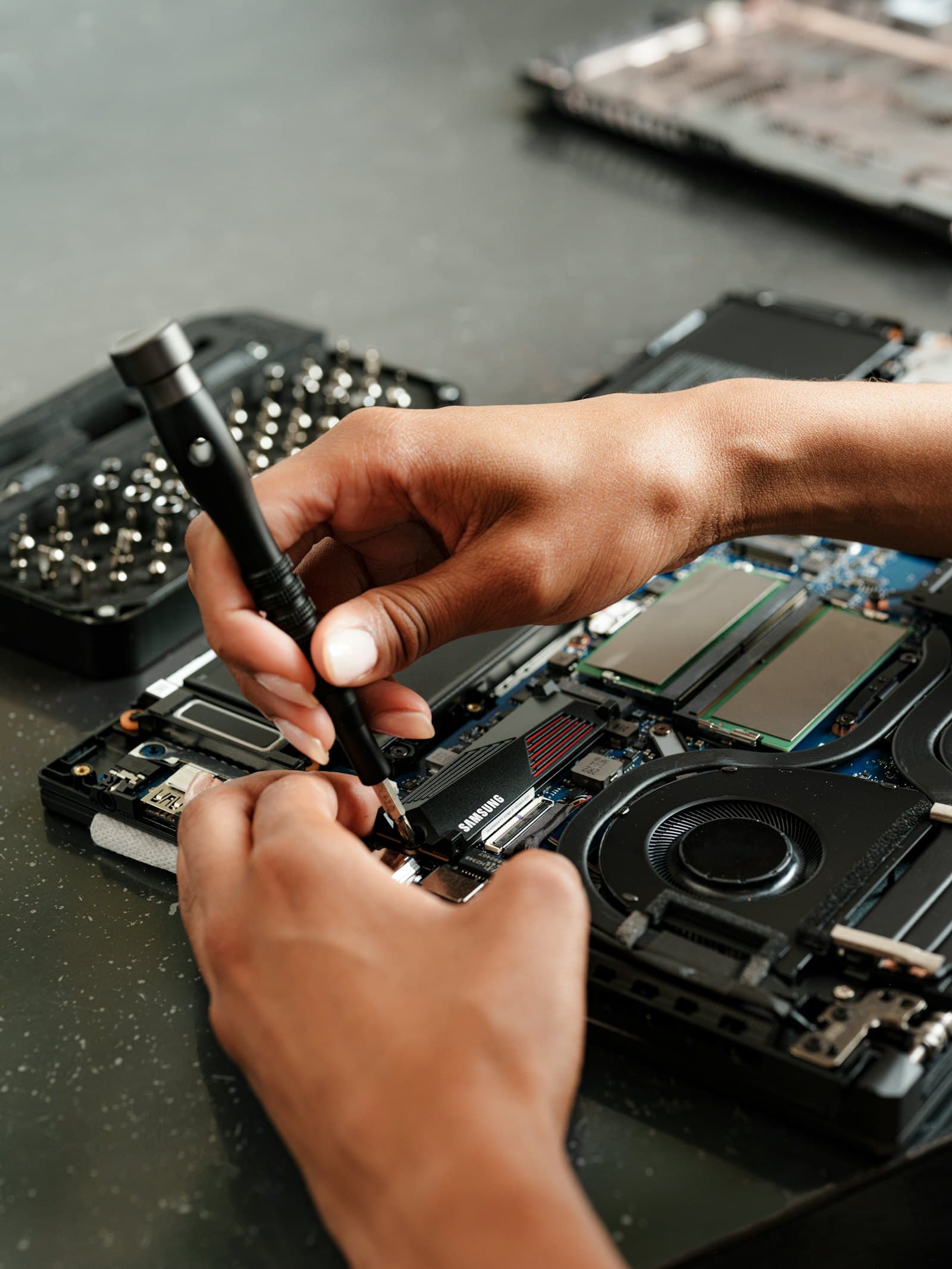
- The laptop is opened and the fan and heatsink are cleaned.
- Old paste is removed and quality paste (e.g. Arctic MX-4 / MX-5) is applied to CPU and GPU.
- Thermal pads are renewed if needed, followed by temperature and performance tests.
When to bring it in
If the laptop shuts down on its own, stutters badly in games or hasn't had thermal care for over a year, it's time for professional maintenance.