Brands
Asus Laptop & Computer Repair – Beylikdüzü
Independent repair in Beylikdüzü for Asus ROG, TUF, VivoBook and ZenBook laptops: thermal care on gaming models, charging and motherboard faults, screen and keyboard replacement.
Series we service
- ROG
- TUF Gaming
- VivoBook
- ZenBook
ASD Bilişim is not an authorised Asus service centre; we are an independent repair service. Brand names and logos belong to their owners.
Common faults we see on Asus devices
- 01Overheating and fan noise on TUF / ROG
- 02Not charging
- 03Screen and hinge problems
- 04No power, no display
- 05Keyboard faults
We inspect your device and tell you the problem and the cost clearly before any work starts.
Our services for Asus
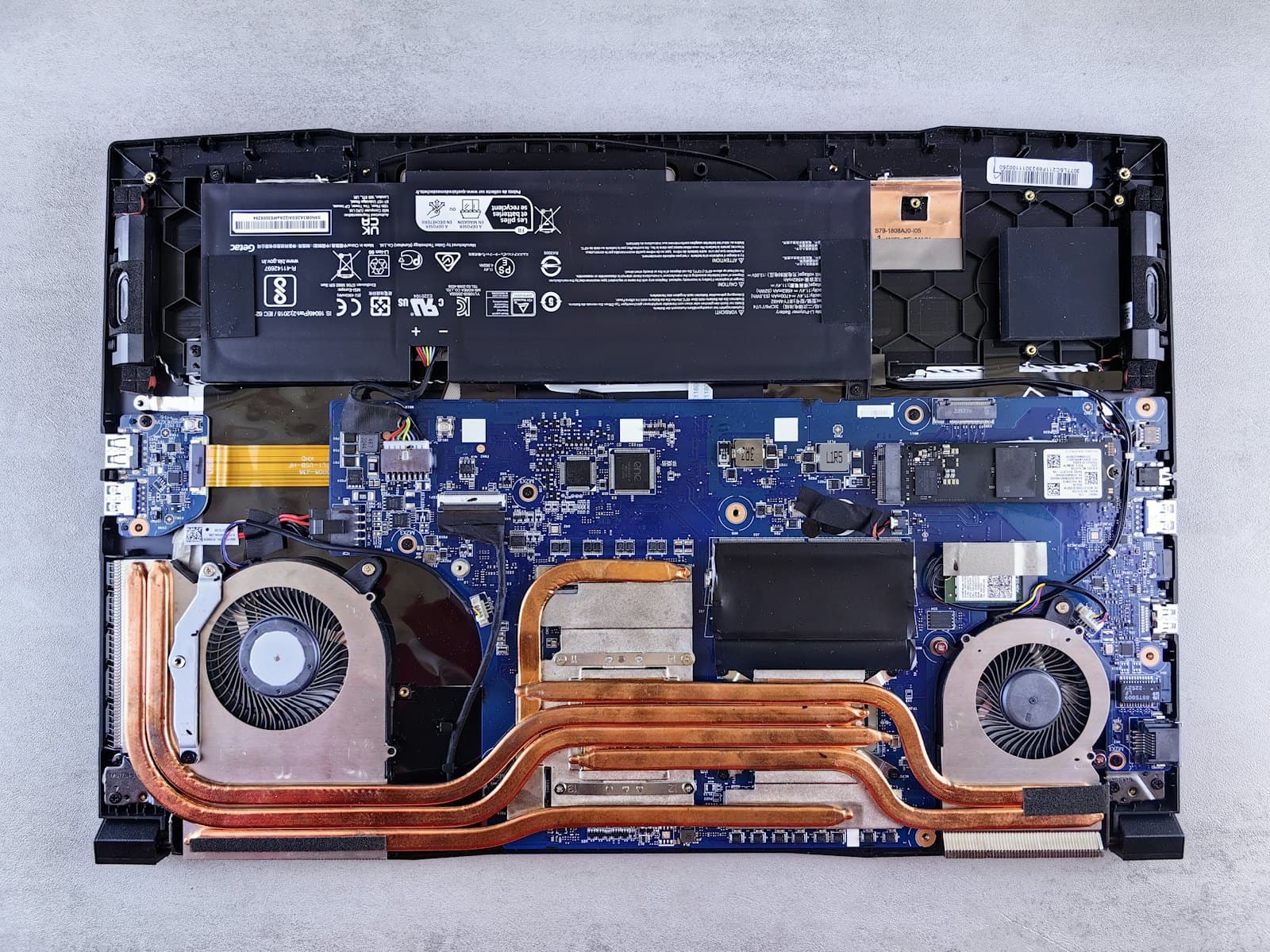
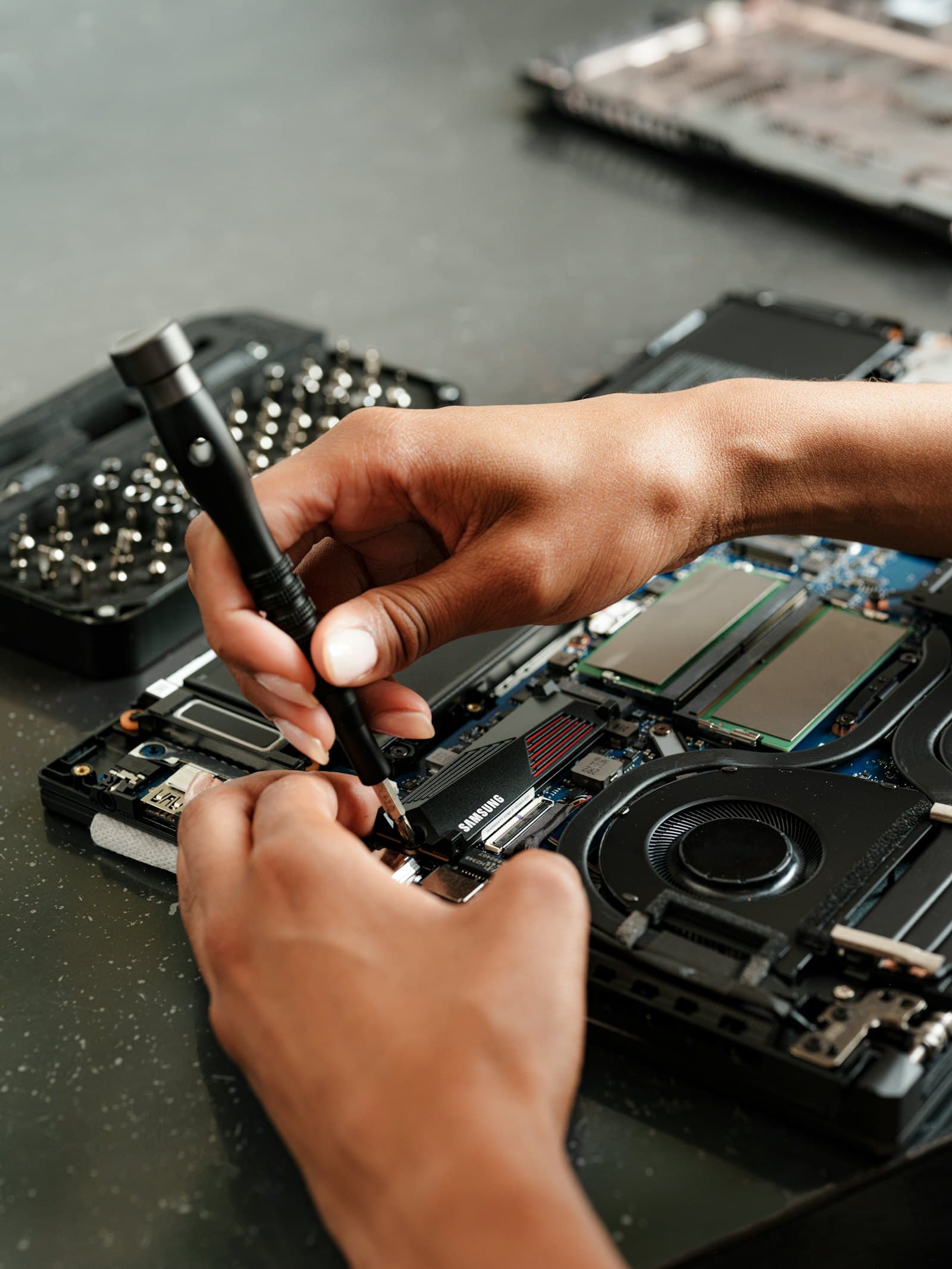
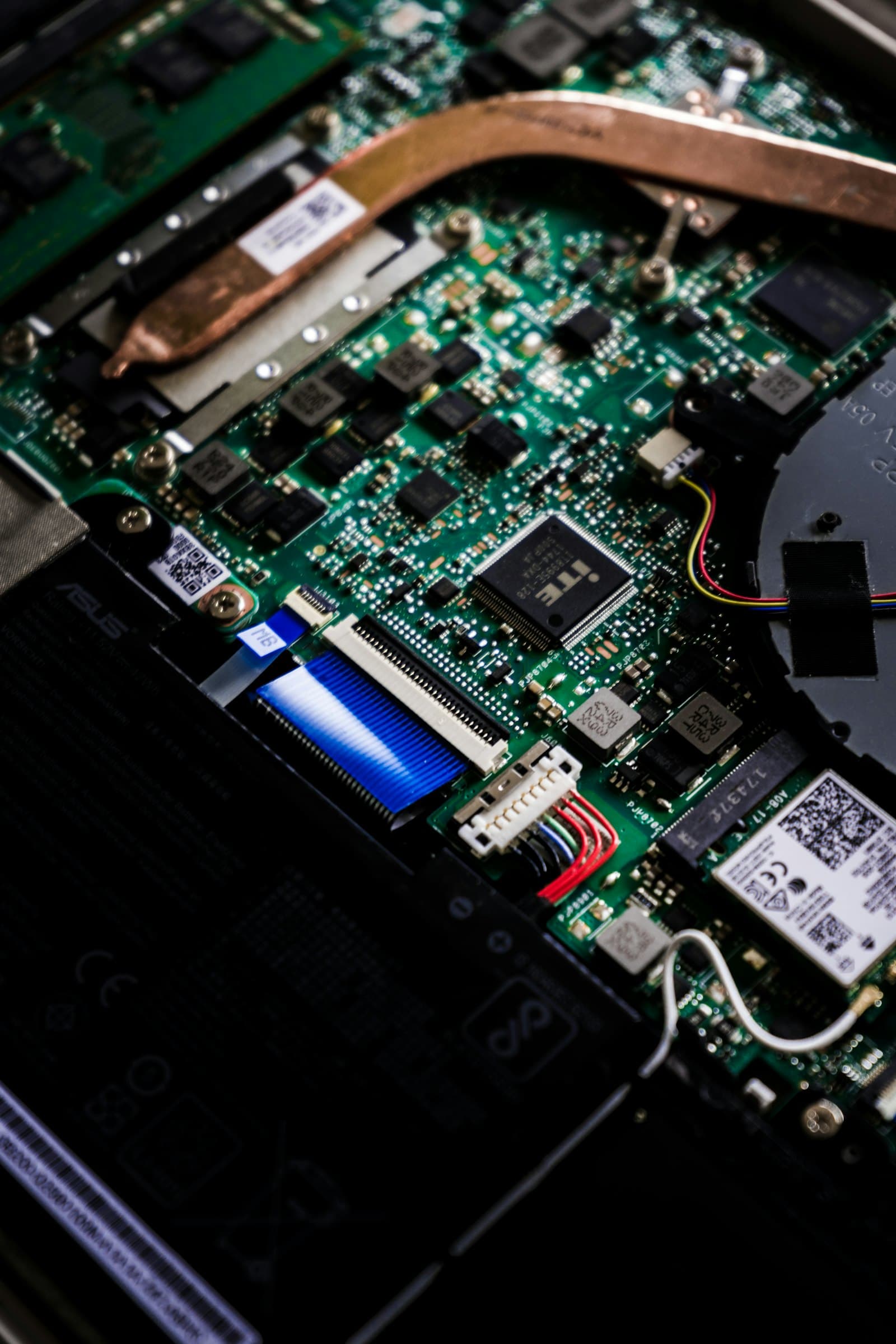
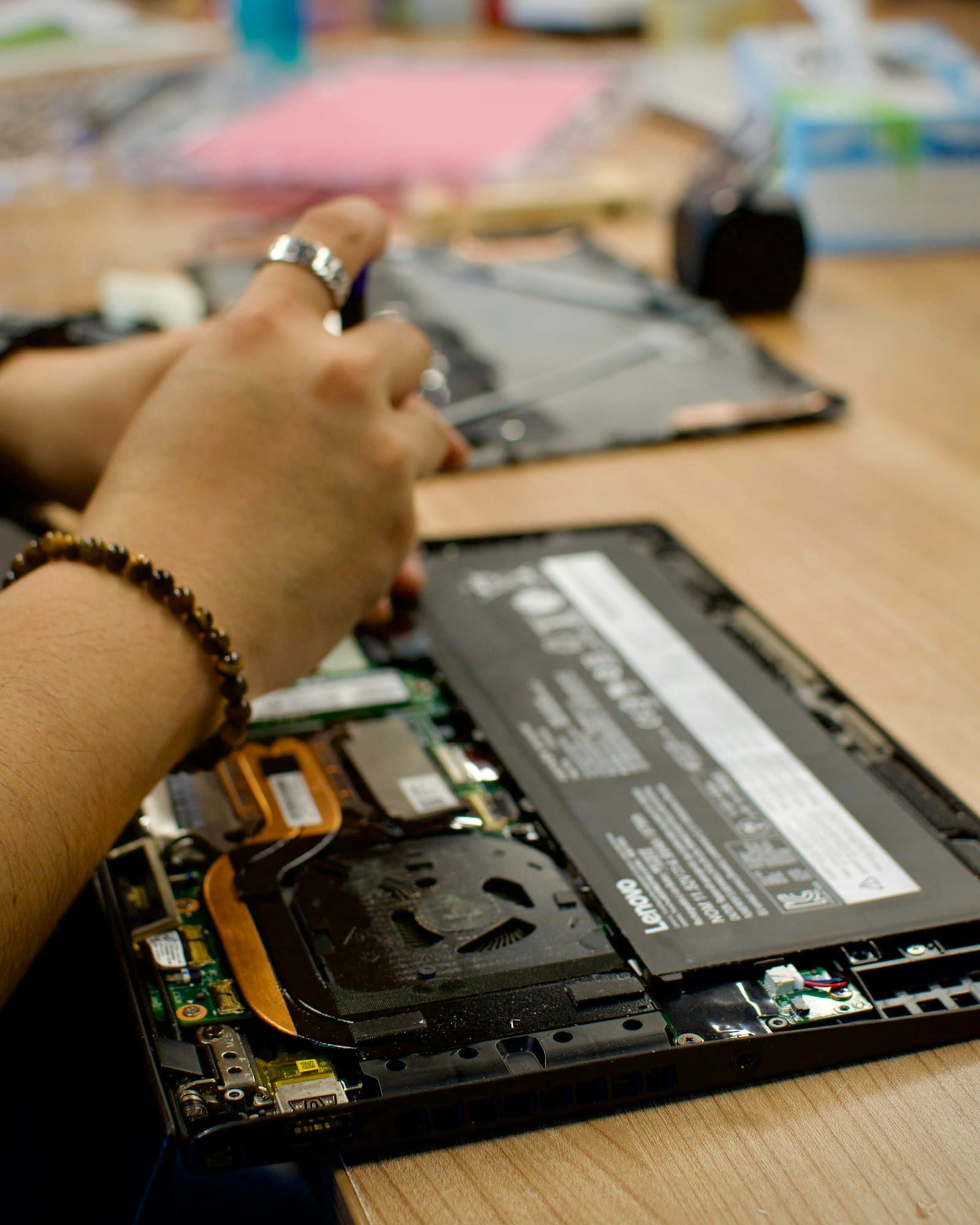
Premium Service Standard
Your device is with us — your peace of mind stays with you.
The same care for every device: updates throughout, invoiced and transparent work, quality parts and no surprises at pick-up.
- 01
Photo updates
During the repair we share your device's condition and every step with photos on WhatsApp.
“They kept us informed in detail by sending photos throughout the whole process.”
Saeed S. - 02
Invoiced & transparent
Every part and every job is invoiced; the price is clear before work starts.
“Everything from the parts he bought to the parts he used was invoiced and transparent.”
Halim E. - 03
Quality parts
Arctic MX-4 / MX-5 thermal paste and quality spare parts that fit your device.
“The general maintenance and thermal paste replacement were done carefully and well.”
Serhat Ö. - 04
No surprises
We keep you informed at every step and never do anything without your approval.
“He kept me informed at every step. No surprises.”
Zübeyr T.
Questions about Asus repair
My Asus TUF is very loud — is that normal?
Fan noise under load is normal; if it's loud at idle, dust and dried paste are usually the cause. Thermal care often fixes it.
My Asus laptop won't charge — can it be fixed?
It can be the adapter, the charging port or the charging circuit on the board. Diagnosis finds the cause, then we repair it.
Tell us about your device, we'll get right back to you
Fill in the form or message us on WhatsApp with one tap.
- Phone
- 0537 974 43 11|WhatsApp
- Opening Hours
- Monday – Saturday: 09:00 – 20:30 Sunday: Closed
- @asdbilisim_