Updated: 10 November 2026
Software first
- Disable unnecessary programs in Task Manager > Startup.
- Uninstall what you don't use and keep 15–20% of the drive free.
- Install Windows and driver updates and run a trusted antivirus scan.
The most effective upgrade: an SSD
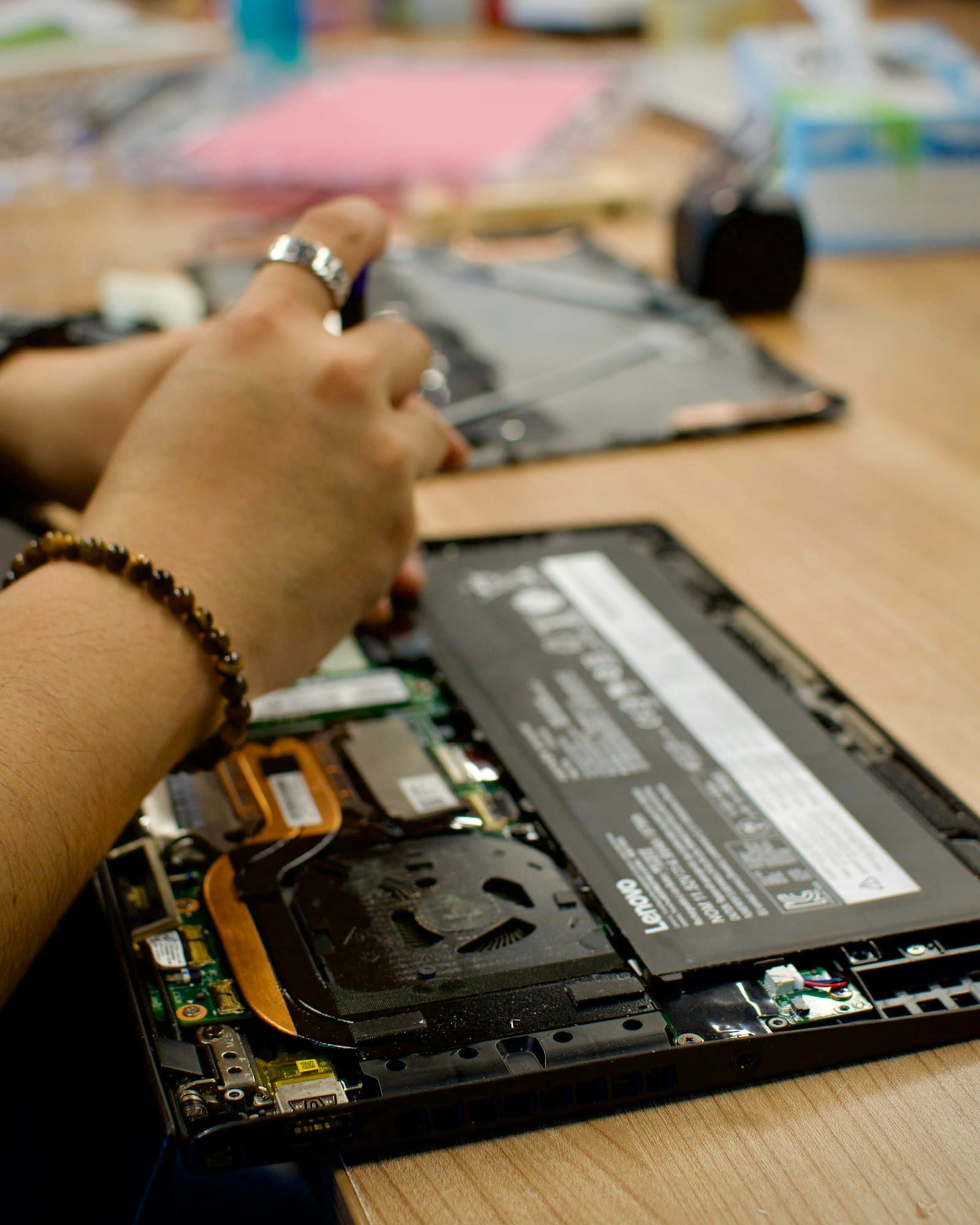
- Replacing an HDD with an SSD dramatically shortens boot and load times.
- Your system and data can be migrated — no need to reinstall everything.
- Most laptops have an M.2 or SATA slot.
Is there enough RAM?
- 8 GB for everyday use, 16 GB for multitasking and gaming.
- Some laptops have soldered RAM; upgrades depend on the model.
When to bring it in
Send us your model on WhatsApp; we'll suggest compatible SSD/RAM options and a price, and upgrade while keeping your data.